
Redshell Gaming
The game that lets me put my voice in movies
A recent hands-on session focused on recording new lines over scenes and trying different impressions.
Watch on YouTubeyeahmaybe
voice impression party game
Voice impression party game
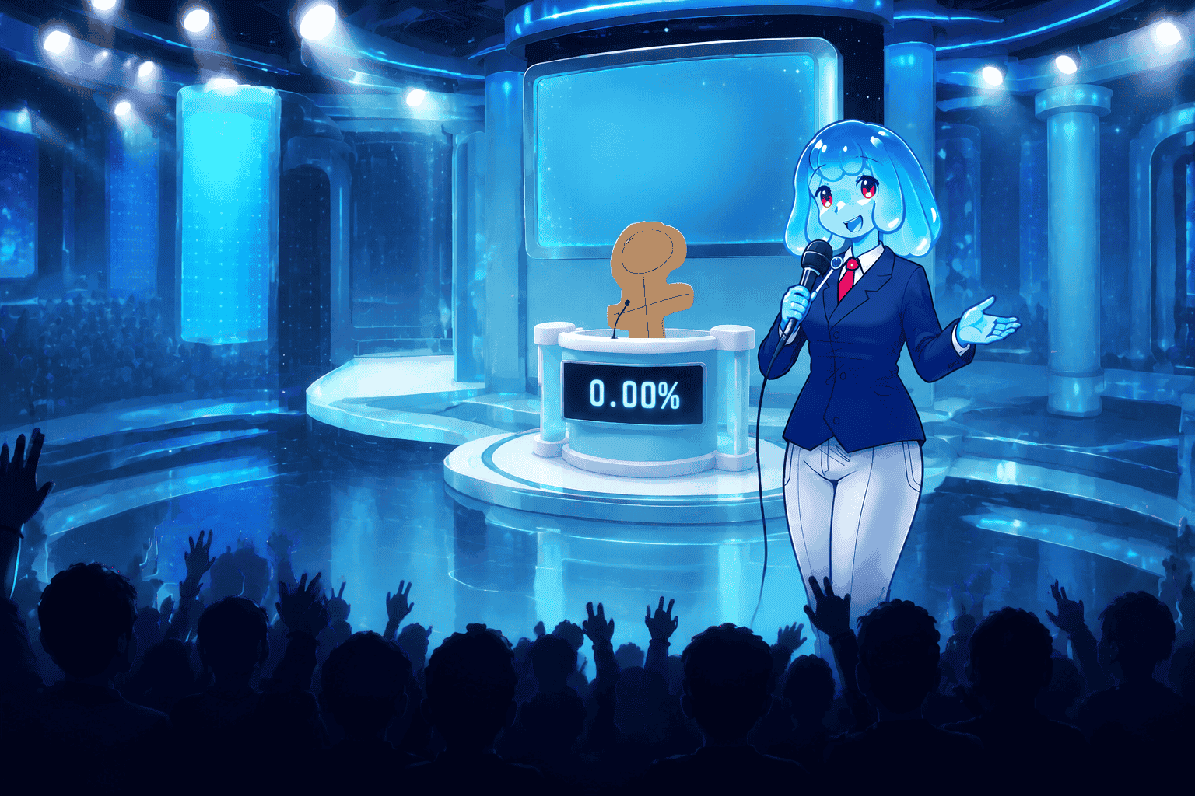
Hear a clip, perform the impression, and let the judges decide. Play locally with friends, stream a round to Twitch, or reshape the show with your own content packs.
Full Game
$5 USD or more on itch.io
Free Option
No Gameplay Demo for mic testing
Latest Tracked
0.5.1 - Apr 17, 2026
Online Play
No online multiplayer listed
How a round works
Every round starts with a prompt and ends with a performance. Bring friends into the room, try a Dub Mode scene, or let Twitch chat react to the result.
A prompt plays from the selected Voice Pack or Dub Pack. It can be a quote, a sound, or a scene waiting for a new voice.
Perform it your way. In Dub Mode, work through a scene, take retakes, and wait to hear the final result at the end.
Play back the take, see how the show responds, and start another round with a different pack, stage, or cast.
Local 1-4 players and Twitch-focused modes are listed. Online multiplayer is not currently listed.
Before you download
The official listing is the place to get the game. These quick answers cover the price, the free microphone test, multiplayer limits, and the audio issue worth checking before you buy.
Buy the current Windows or Linux build from the developer's official itch.io page.
The No Gameplay Demo checks whether your microphone setup works. It is not a free copy of the full game.
The game supports local play for up to four players and Twitch features, but no online multiplayer lobby is currently listed.
Test your setup before a game night, especially if live mic works but recordings or playback are silent.
Before you buy
This is the short version. Use the linked player guides when you need the exact download path, a troubleshooting branch, or a Pack workflow.
The full game is a paid downloadable title. Check microphone detection, recording, and playback in the free No Gameplay Demo before you build a game night around it.
Choose your next move
Use these quick routes to get into the game, prepare a session, add new content, or solve a problem without digging through a general wiki.
Find the official purchase path, choose the right Windows or Linux file, and get set up.
Use the free compatibility demo before paying for the full game.
See what local multiplayer and Twitch modes support, and what online play does not currently offer.
Work through microphone, recording, playback, output-device, and installation checks.
See what Voice, Dub, Studio, Judge, Host, Contestant, Menu, and Chatter Packs change in the game.
Learn the folder structure, audio rules, metadata, OGV video requirements, testing, and sharing basics.
See the show in motion
These community videos show the game in use: voice impressions, Dub Mode scenes, and loud local sessions. They are embedded from YouTube and only load when you choose to play one.
Redshell Gaming
A recent hands-on session focused on recording new lines over scenes and trying different impressions.
Watch on YouTubeStanleyMOV Live
A longer community session showing the appeal of building a round around familiar clips and reactions.
Watch on YouTubeYahiamice LIVE!
A session with friends and Twitch chat that demonstrates the social, performance-led side of the game.
Watch on YouTubeChange the show
Add new voices, scenes, judges, hosts, and stage themes to change how the game night feels. Start with a Voice Pack, or make one for your own friends and stream.
Prompt audio
Audio clips, subtitles, optional images, and nested groups for normal rounds.
Dub Mode
Voice-pack-like content with video timing metadata and OGV video requirements.
Stage
Models, colors, screens, and the show floor where the round plays out.
Panel
Panel presentation and judge material that changes the show reaction layer.
Cast
Host lines, contestant identity, reaction audio, colors, and character presentation.
Interface + stream
Menu themes and Twitch chatter audio hooks for streamer-facing sessions.
Before game night
Choicer Voicer is still in alpha. These are the practical details that can change whether your first session goes smoothly.
Plan for solo play, local sessions with up to four players, or Twitch-specific features instead of online matchmaking.
Use the No Gameplay Demo to check compatibility before buying. It does not include the full game modes.
If live monitoring works but recorded playback is silent, start with the input device, output device, and audio routing.
Read the creator's notes, check the folder structure, and keep unknown executable files away from your game directory.
Update tracker
The game is still being developed, so check the latest release before relying on older installation or Pack instructions.
View UpdatesLatest tracked official release in this wiki.
Previous official milestone tracked from itch.io devlogs.
Treat guide details as version-sensitive when installing packs or troubleshooting microphones.